How To Install Most Awaited Cydia iOS 8.1 Tweak
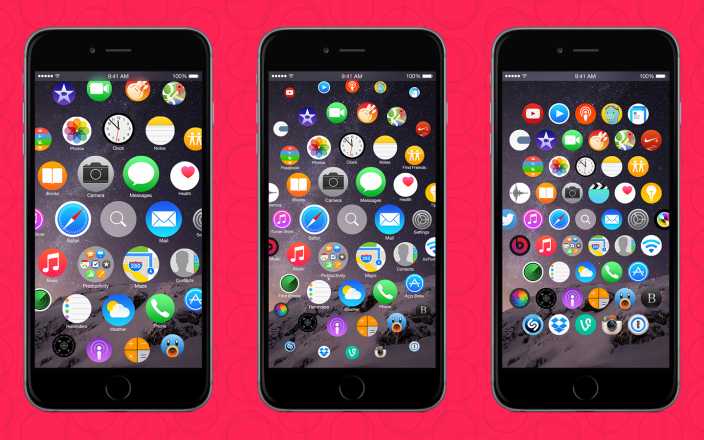
Apple Watch interface works perfect on:
- iPhone 6, iPhone 6 Plus
- iPhone 5S, iPhone 5c, iPhone 5
- iPhone 4S.
Step 1: Jailbreak iOS 8.1 via Pangu utility “Pangu8” + Install Cydia iOS 8.1 via SSH
Step 2: Launch Cydia iOS 8.1 and wait for the update repositories.
Step 3: You must add a new source. To add a new source, you need to Go to the section
Sources -> Edit -> Add -> Add “http://cydia.myrepospace.com/lamerz/”
Step 4: Wait…. and click the Search tab.
Step 5: Write “Apple Watch SpringBoard” + install + confirm the installation this most awaited Cydia Tweak on your idevice running on iOS 8.1.
Step 6: Re-spring…. After that you can test the interface Apple Watch on iPhone.
Step 7: Run the application from the home screen WatchSpringboard.

0 Comments
Share your thoughts with other AppleBlog readers.