Step 1: The first thing you will need to do is iOS 7 Jailbreak (read more here) running the iOS 7 firmware untethered. If you would like help with this process go to the How To Jailbreak Section.
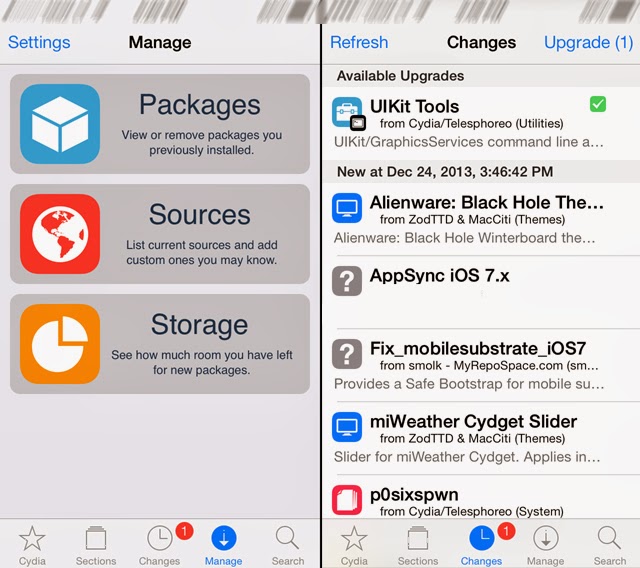
Step 2: After you ensure you are Jailbroken you must launched Cydia,
tap the “Sources” Tab, tap the Sources section and finally tap the Edit
button in the top right hand corner of the screen.
Step 3:
You should now see an Add Button appear in the top left corner of the screen.
Tap the Add button now and type in the following source:
.http://cydia.appaddict.org
After typing the source above tap the Add Source button.
Step 4: With the hackulous source now added into Cydia go into the Evad3rs.net Source by tapping on it and you should see AppSync for iOS 7+.
Install AppSync for iOS 7.0+ and then restart your iPhone, iPod Touch or iPad.
Congratulations! You have just installed AppSync and you can install apps on the iOS 7 firmware.
0 Comments
Share your thoughts with other AppleBlog readers.