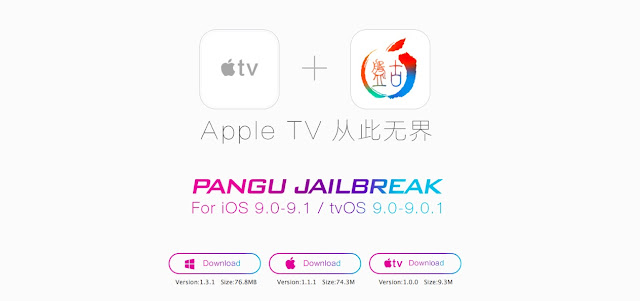
How to jailbreak Apple TV 4
Step 1: Connect your Apple TV to your Mac via USB-C cable.
Step 2: Turn off Automatic Updates in Settings -> System -> Check for Updates.
Step 3: Download the ZIP-files Pangu jailbreak and iOS App Signer and save them, take them to the desktop.
Step 4: Open Xcode and go to File → New → Project → tvOS → Application → Single View Application → Next.
Step 5: Fill in the fields as follows:
- Product Name: Jailbreak
- Organization: <your name>
- Organization Identifier: com.jailbreak.appletv
- Everything else leave as is. Click Next → Create.
Step 6: Click Product → Destination → Apple TV.
Step 7: In the team box, select your Apple ID. If you do not have an account, create a new one. Bind it to Xcode, you can see Xcode → Preferences → Accounts.
Step 8: Click Fix issue.
Step 9: Run the iOS App Signer, click the Browse button and select a file from atvipa.app Payload Pangu subfolders in the folder you downloaded in step 3.
Step 10: In the iOS App Signer Certificate program and select Provisioning Profile for the program that you created in Xcode.
Step 11: Click Start in the iOS App Signer. On atvipa.ipa new file appears on your desktop.
Step 12: Open Xcode and go to Window → Devices. Here, select your Apple TV.
Step 13: Click “+” in the section, and select Installed atvipa.ipa from the desktop file.
Step 14: Pangu Jailbreak should now be downloaded on Apple TV. Once it appears on the home screen Apple TV, launch the app, to complete the jailbreak.
0 Comments
Share your thoughts with other AppleBlog readers.