Skip to content
AppleBlog
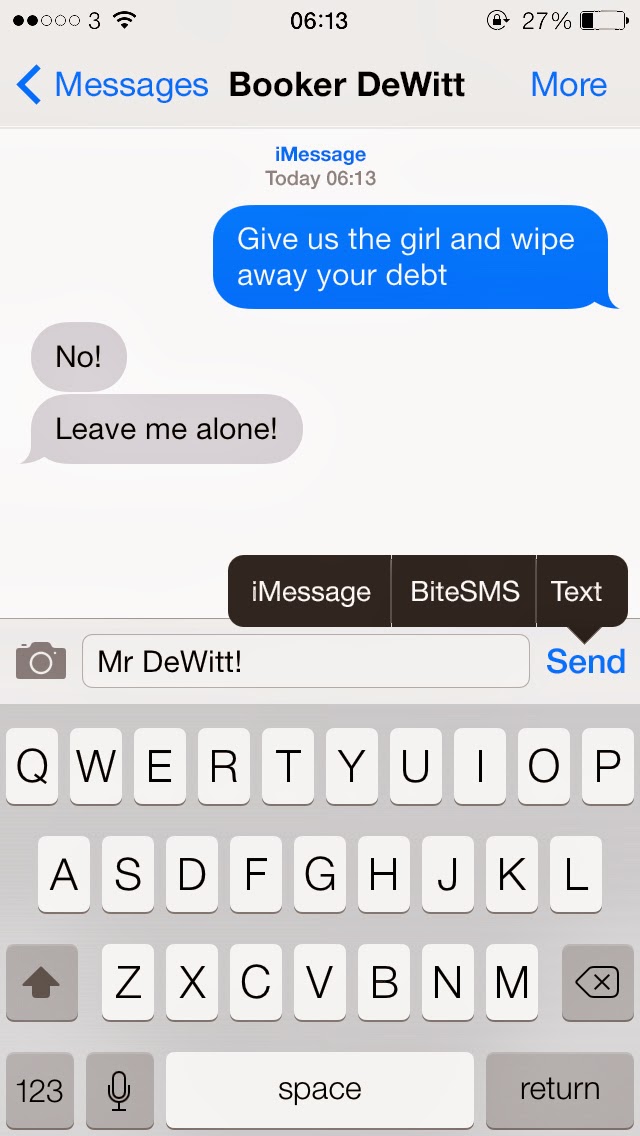
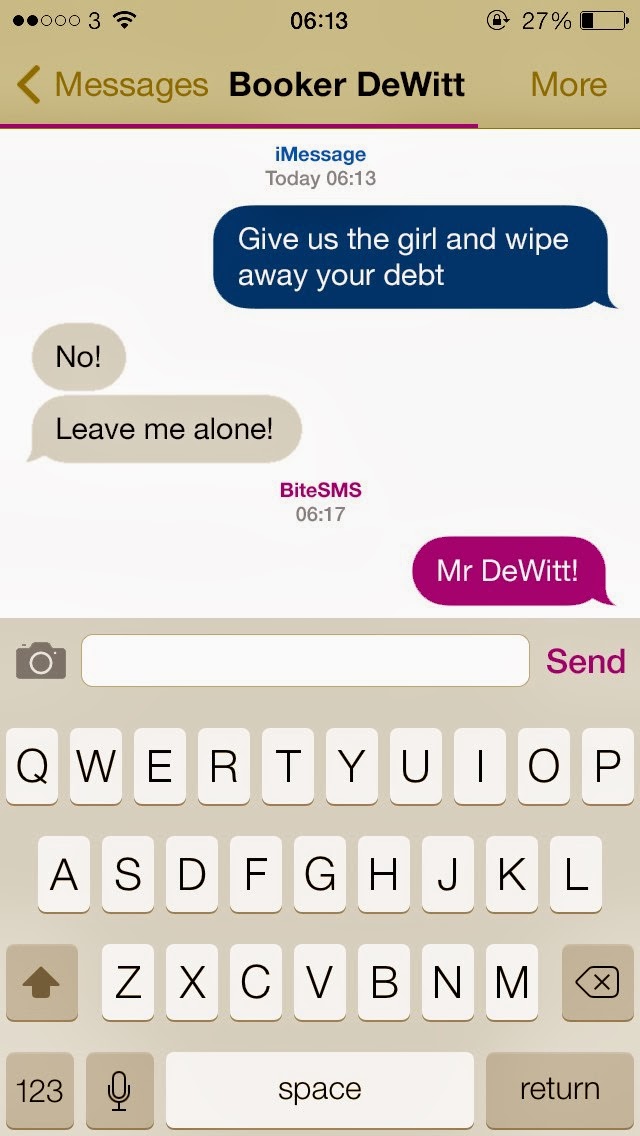
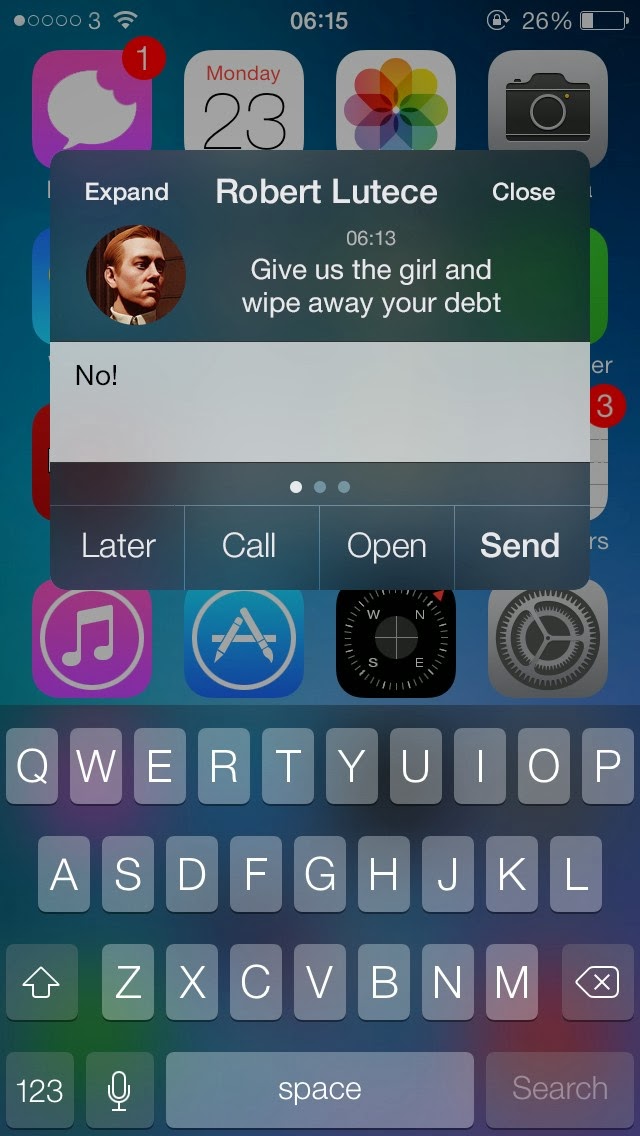
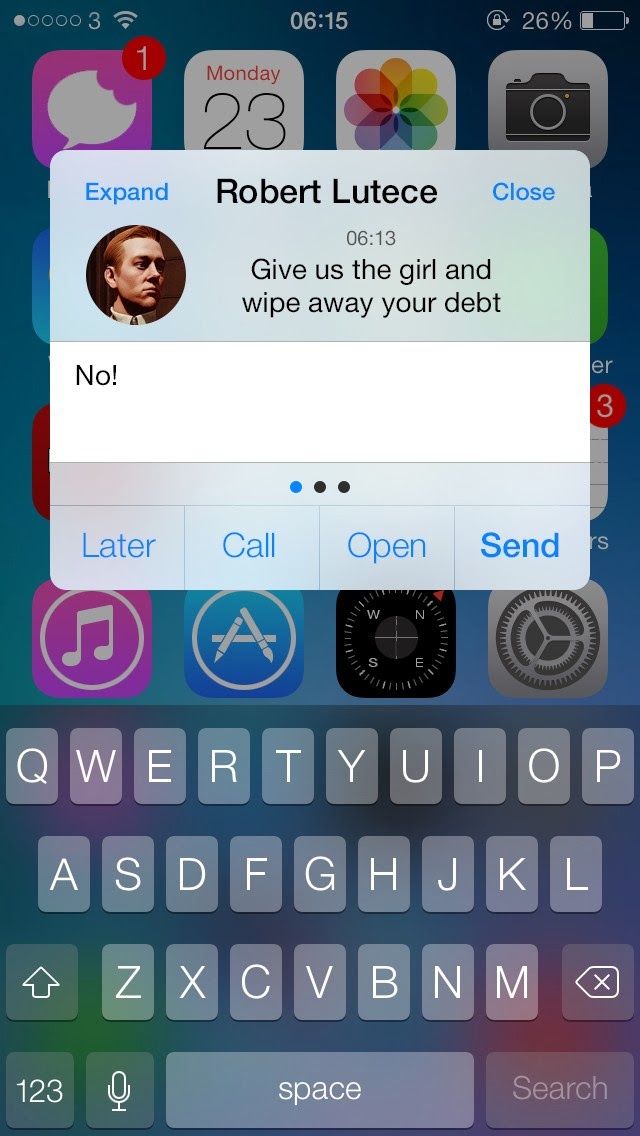
BiteSMS iOS 7

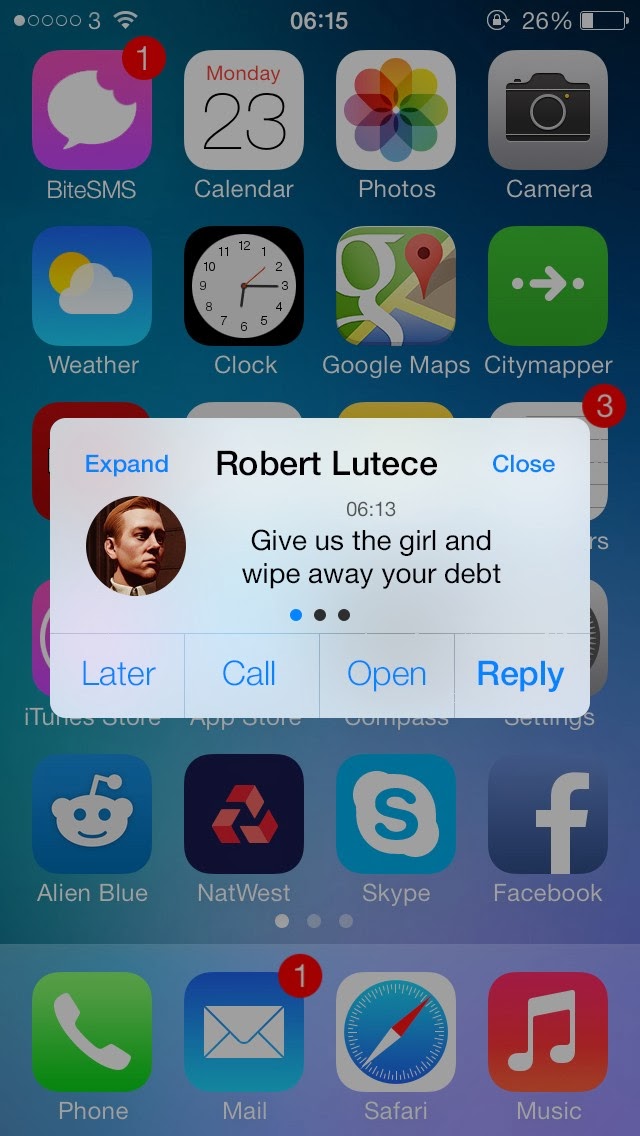
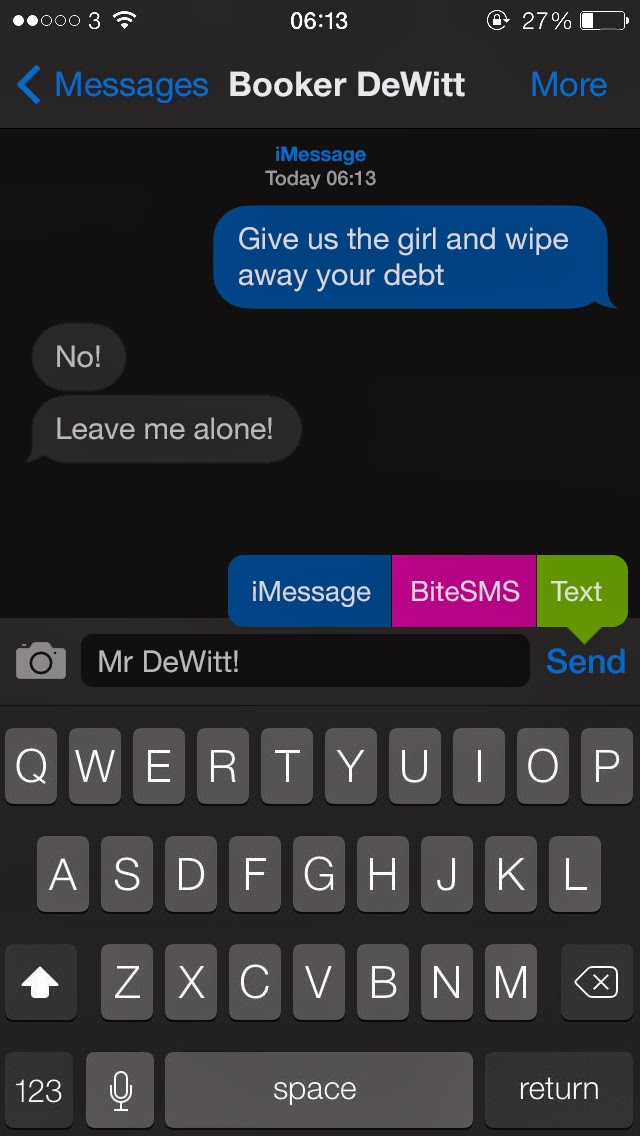
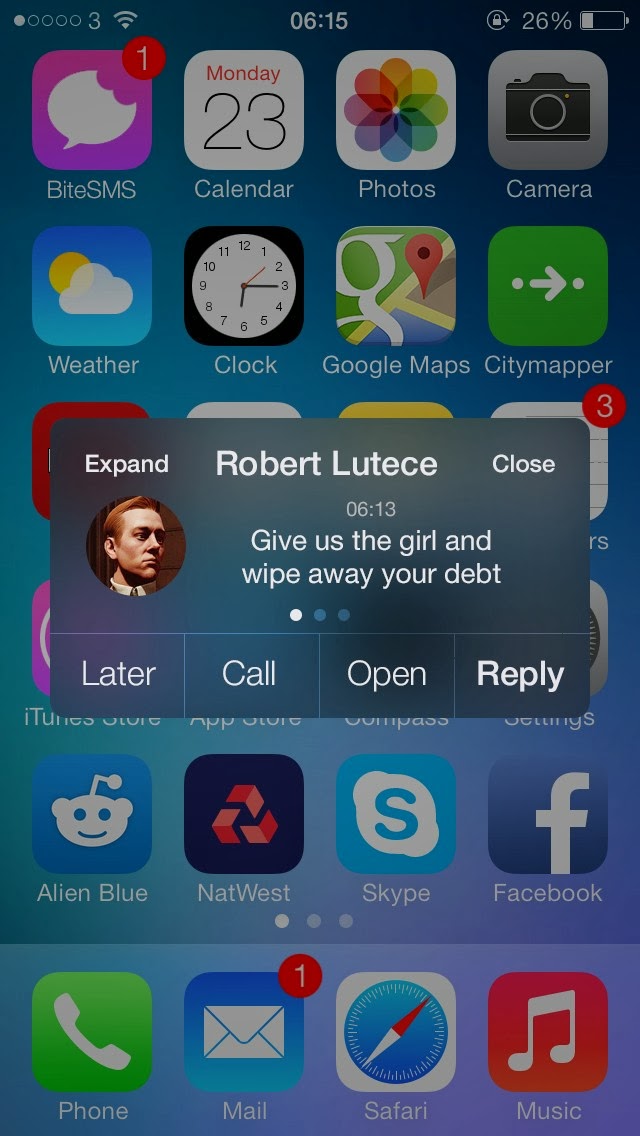
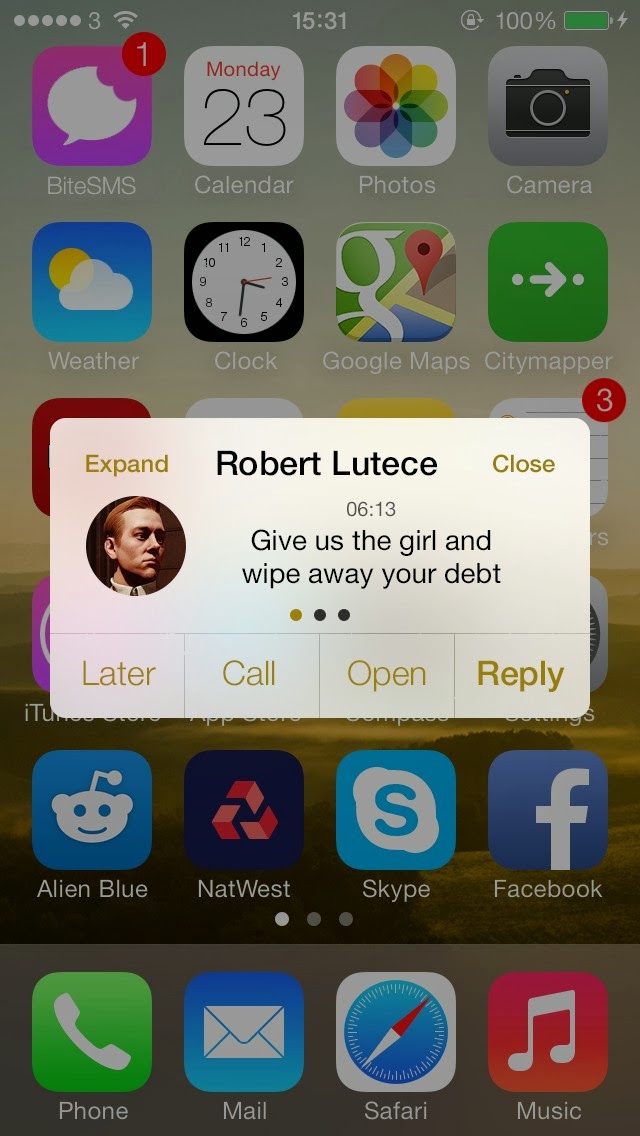
BiteSMS iOS 7 – 7.0.4, How To Install.

Published by AppleBloggerUX in BiteSMS iOS 7

BiteSMS iOS 7

Jailbreak iOS 7 - 7.0.4 has been released. If you have jailbroken iPhone 5S, iPhone 5c, iPhone 5 or others idevices (incl. iPad Air, iPad 4 -3), you

BiteSMS iOS 7 2013

Key details

Jailbreak iOS 7 - 7.0.4 has been released. If you have jailbroken iPhone 5S, iPhone 5c, iPhone 5 or others idevices (incl. iPad Air,

Apple Blog 2013

About this post

BiteSMS iOS 7 – 7.0.4, How To Install.. Jailbreak iOS 7 - 7.0.4 has been released. If you have jailbroken iPhone 5S, iPhone 5c,

Apple Blog 2013

BiteSMS iOS 7 – 7.0.4, How To Install.

“Jailbreak iOS 7 - 7.0.4 has been released. If you have jailbroken iPhone 5S, iPhone 5c, iPhone 5 or others idevices (incl. iPad Air, iPad 4 -3), you can see”

How to install BiteSMS iOS 7:

Step 1 : Launch Cydia and choose Manage.

Step 2: Add the one repositorie . To do this , click Sources in the center, and then Edit.

Step 3: Click Add at the top left and one by one , add two sources :

*http://test-cydia.bitesms.com   – beta for testing

Step 4: Re-open Cydia and search for it in the search package BiteSMS
iOS 7 – repository BiteSms. Make respring or restart the gadget.

Step 5: Now that you have installed BiteSms iOS 7.

Share this post

Send this article to other Apple fans.

Previous Post

Cydia iOS 7 Has New Design.

Next Post

Happy New Year 2014 Jailbreak Community!!!

Discussion

0 Comments

Share your thoughts with other AppleBlog readers.

Leave a comment

Your email address will not be published. Required fields are marked with *.