Such sites include lists of usernames and passwords from the network. Apple constantly monitors such sites, to respond quickly and protect their users. The audit showed that more than 20% of combinations username and password might work, but when you try to break the automated systems of protection in any case would block such attempts to login to your account. Apple has taken measures to protect such accounts and asked its users to change their passwords.
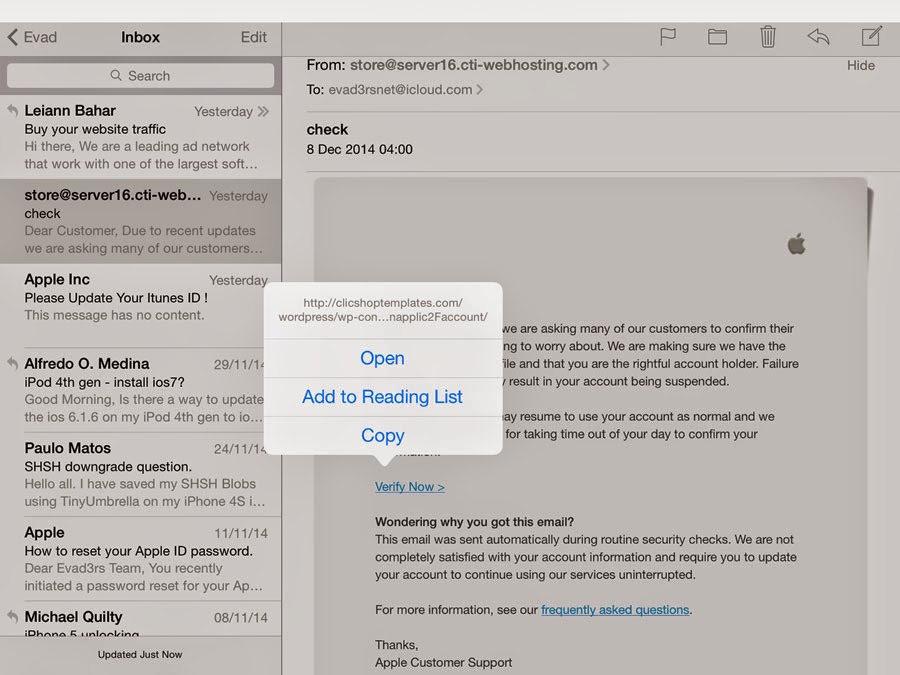
But we must remember one rule – if you have received a letter requesting a replacement password, skipped a look at what address it came. A few days ago, we received such a letter, but they turned out to be fake. If we clicked on the link and there would enter their username and password, the attackers got our data.
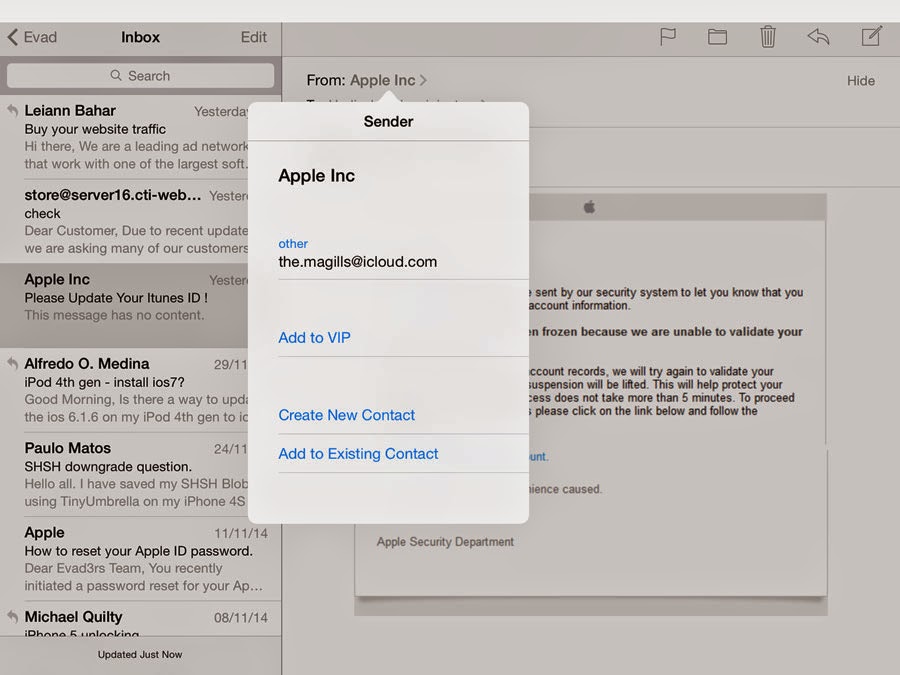
It is important to note that in this case, as well as others, cause leakage of usernames and passwords is not a result of a breach systems Apple. In many cases, these credentials obtained via a variety of other sources.
For example, if you re-use the same username and password on many sites, and one of these websites was hacked, your credentials can be used to access other sites. Or attackers can use hacking programs, or phishing schemes to capture data about user names and passwords.
Apple is constantly working to ensure that your accounts are protected from phishing, malware and spam. For example, if the company’s specialists will see unusual activity on your account, they will stop trying to login from unknown locations and devices. After that, you can view a report of recent activities and confirm it was your action or not.


0 Comments
Share your thoughts with other AppleBlog readers.