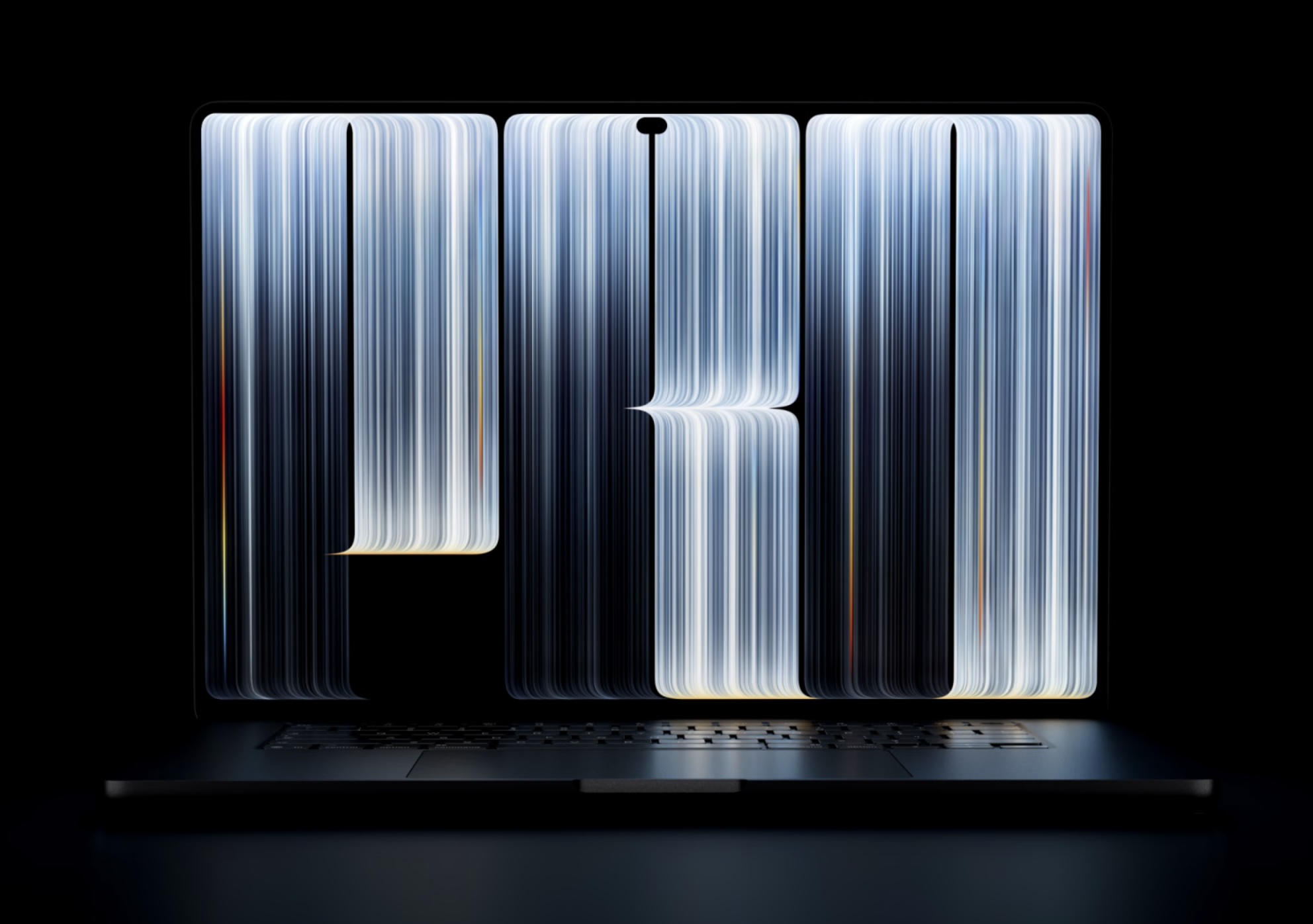
The distinctive wallpaper introduced with Apple's new PROLED XDR MacBook Pro.
Downloads2026
High Resolution
Download the full-size image for a sharp, detailed desktop background.
Desktop Wallpaper2026
Older Macs Too
Use the wallpaper on MacBook Air, older MacBook Pro models, iMac and external displays.
Mac Wallpapers2026
Download 4K Wallpapers: MacBook Pro ProLED XDR
“Every new Mac has its own personality, and Apple has a long tradition of expressing it through wallpaper. Sometimes it's a landscape, sometimes an abstract shape, and sometimes a design”
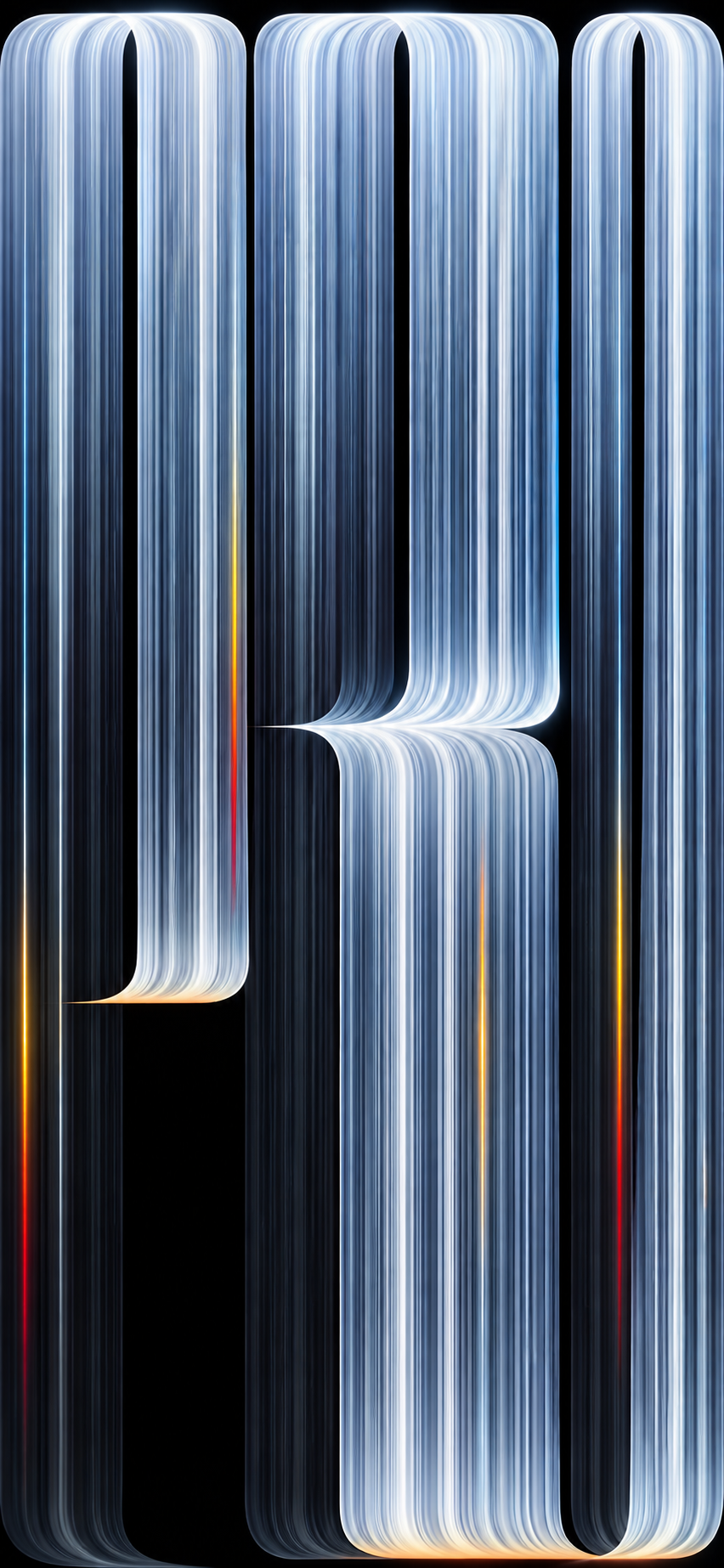
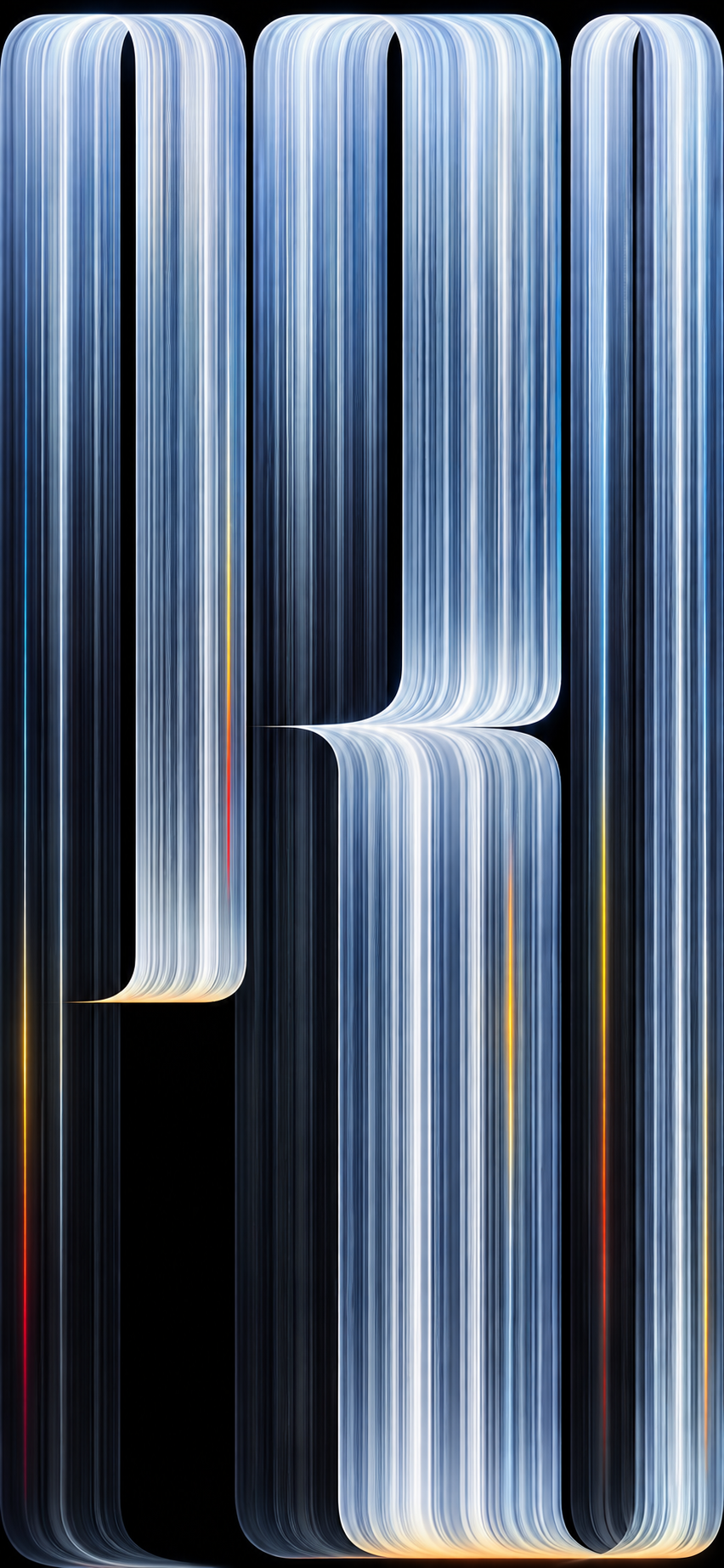
With the new MacBook Pro featuring the PROLED XDR display, introduced in October 2026, Apple has chosen something unmistakably dramatic: fine metallic lines flowing across a nearly black background, with cool silver and blue tones, subtle warm accents, and the word “PRO” hidden within the composition.
It’s a wallpaper that looks almost like a piece of abstract digital art. And the good news is that you don’t need to buy the latest MacBook Pro to enjoy it.
2026 MacBook Pro
The distinctive wallpaper introduced with Apple’s new PROLED XDR MacBook Pro.
High Resolution
Download the full-size image for a sharp, detailed desktop background.
Older Macs Too
Use the wallpaper on MacBook Air, older MacBook Pro models, iMac and external displays.
Download the MacBook Pro PROLED XDR Wallpaper
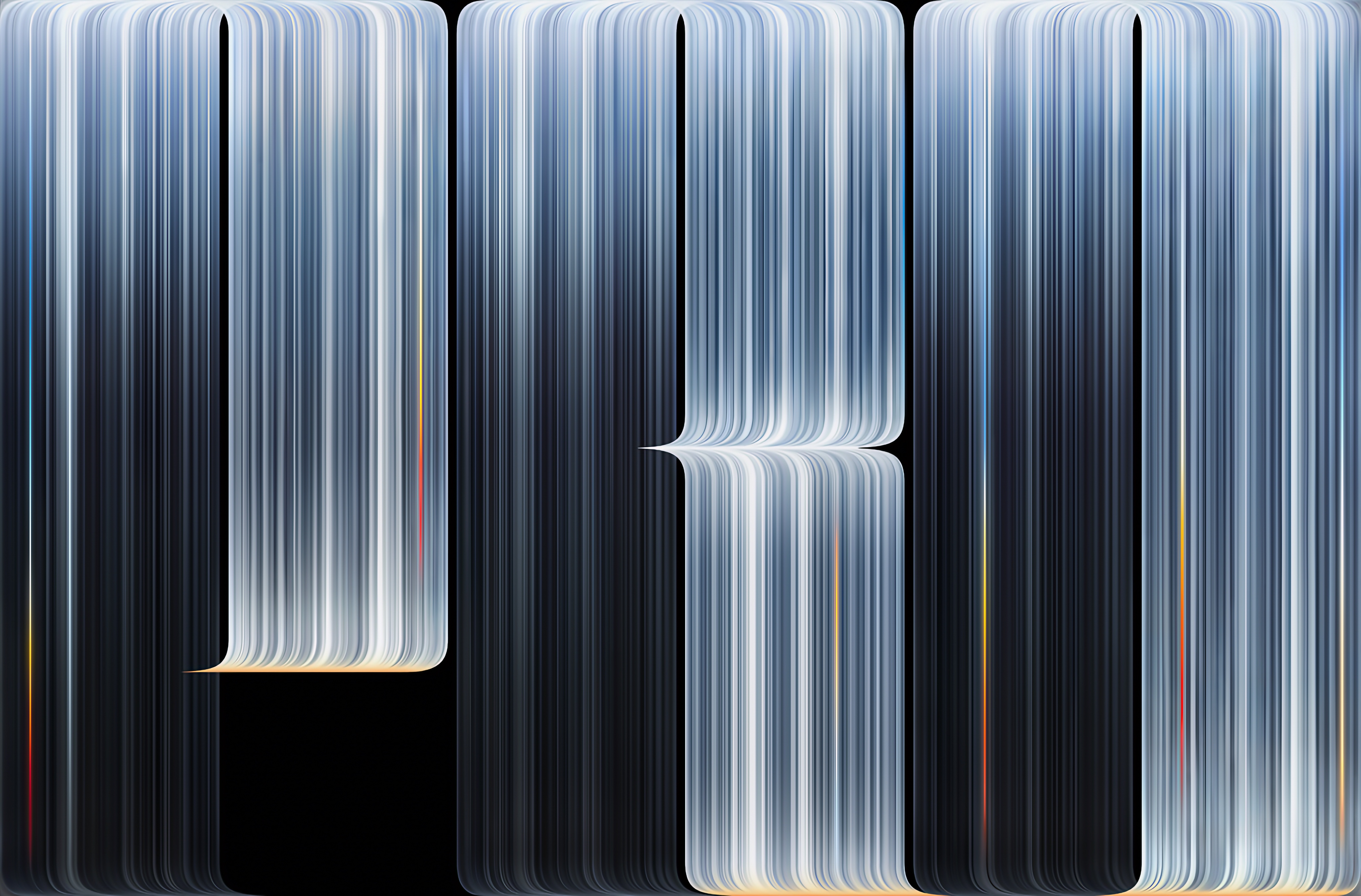
Here is the new MacBook Pro PROLED XDR wallpaper in its full-resolution version. The design features thin metallic ribbons of light arranged into an abstract composition against a dark background.
Click the image below to open the full-size wallpaper, or use the download link to save it directly to your Mac.
MacBook Pro PROLED XDR wallpaper — 2026 Apple design.
The wallpaper can be used on other Macs and desktop computers as well. Depending on your display’s aspect ratio, macOS may crop the image slightly to fill the screen.
A Wallpaper That Looks Like the Display It Was Made For
Apple introduced the new MacBook Pro with PROLED XDR on October 28, 2026, bringing tandem OLED technology to its professional laptop lineup. The display offers exceptionally deep blacks, striking contrast and up to 2,000 nits of peak brightness.
That helps explain the visual direction of the new wallpaper. Instead of a bright landscape or a colorful gradient, Apple chose a nearly black canvas interrupted by narrow ribbons of metallic light.
The dark background gives the lines a sense of depth, while the subtle highlights suggest reflections on polished metal. It’s a design that feels particularly appropriate for an OLED display, where black can appear genuinely black rather than dark gray.
There is also a familiar Apple detail hidden in the artwork. Look carefully at the flowing lines and you’ll notice that they form the letters “PRO.” Apple has used typography as part of its wallpaper designs before, but this version is more abstract and almost architectural.
Not Everyone Will Love This Design
I’ll admit that my first impression was a little mixed. The metallic lines are beautiful, but they also have a slightly unusual appearance. At a quick glance, the composition can almost resemble a display with vertical artifacts rather than a traditional desktop background.
Look at it a little longer, though, and the design starts to make more sense. The lines are carefully arranged, the colors remain restrained, and the dark negative space gives the composition room to breathe.
It’s not the kind of wallpaper that tries to please everyone. And perhaps that’s what makes it interesting.
Personally, I like that Apple occasionally moves away from the predictable colorful gradients we’ve seen so many times. A MacBook Pro is a professional machine, and this wallpaper has a colder, more technical personality that suits it rather well.
Can You Use the PROLED XDR Wallpaper on an Older Mac?
Absolutely. A desktop wallpaper is simply an image, so there’s no requirement to own the latest MacBook Pro or have a PROLED XDR display.
You can use it on an older MacBook Pro, MacBook Air, iMac, Mac mini connected to a monitor, or Mac Studio. It can also work on a Windows computer if you prefer the design.
Of course, the appearance will depend on your display. OLED screens may reproduce the black background with greater depth, while a conventional LCD can still show the metallic details and overall composition beautifully.
And because the artwork is mostly dark, it can be particularly pleasant for people who prefer a minimalist desktop with fewer visual distractions.
How to Install the Wallpaper on macOS
Once you’ve downloaded the image, setting it as your Mac wallpaper takes only a moment.
Download the full-resolution wallpaper using the link above.
Open System Settings on your Mac.
Select Wallpaper.
Choose Add Photo or the option to select an image file.
Find the downloaded wallpaper and select it.
Adjust the image positioning if necessary.
You can also open the image in Finder, right-click it and choose the option to set it as your desktop picture, depending on your macOS version.
Download MacBook Pro PROLED XDR Wallpapers for iPhone
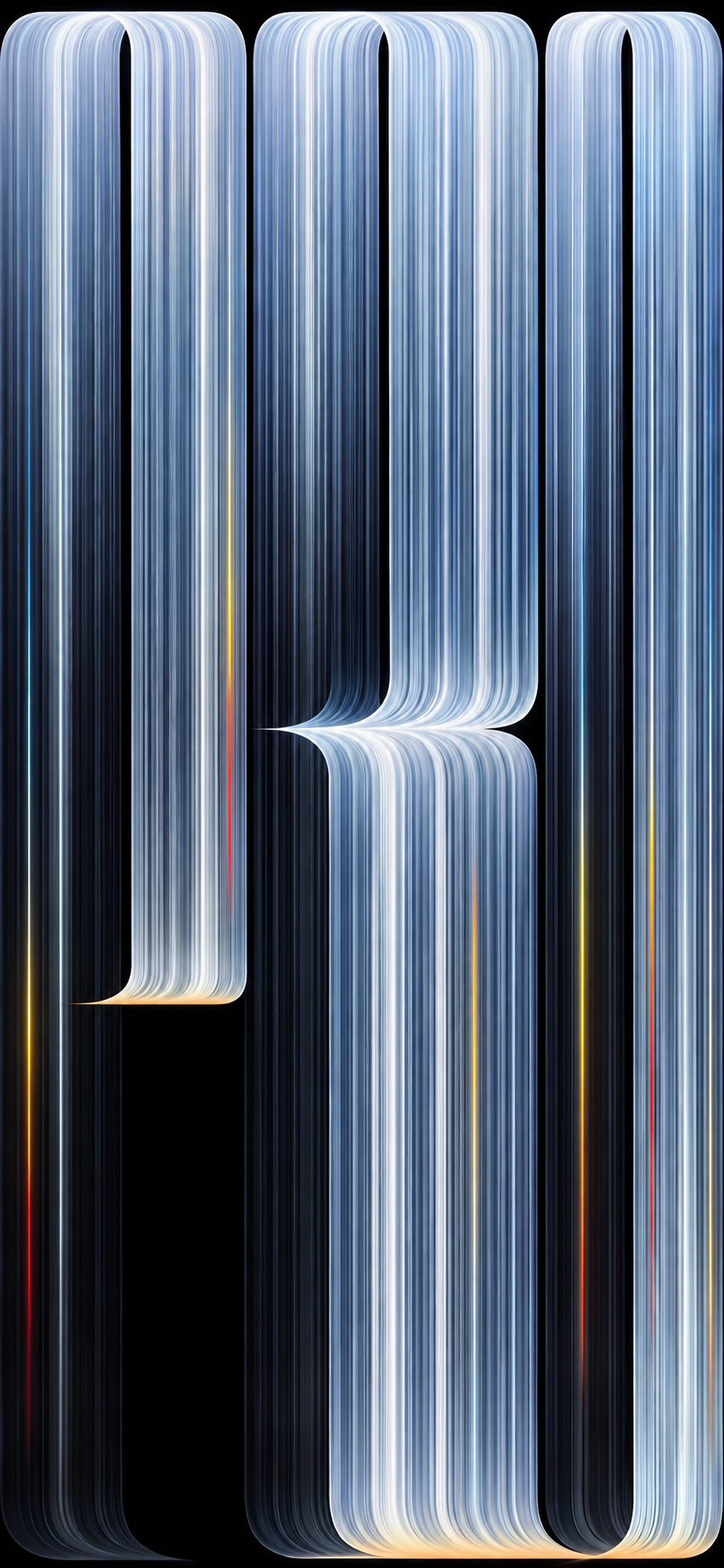
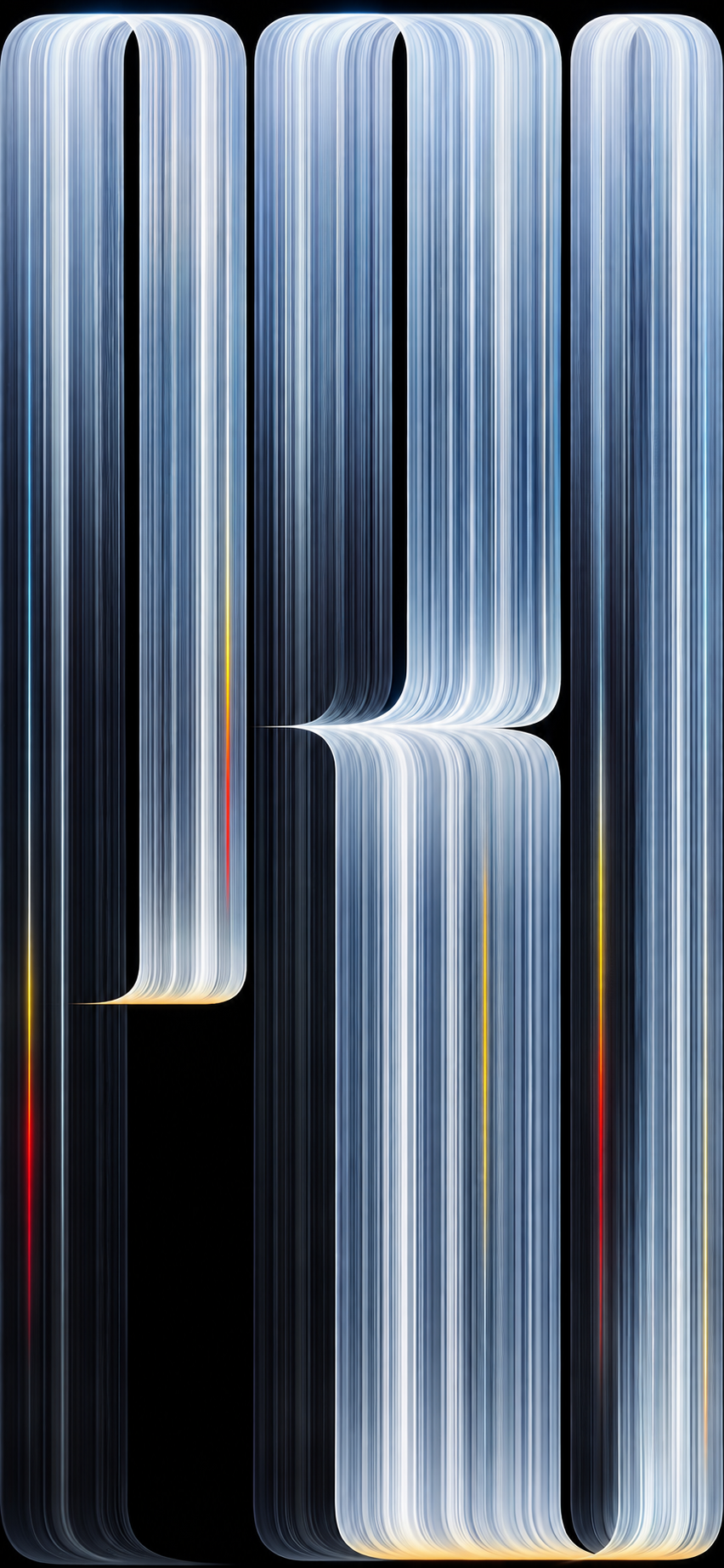
The new MacBook Pro wallpaper looks just as interesting on an iPhone. I’ve prepared four versions adapted for vertical displays, preserving the metallic details, deep blacks and distinctive PRO design. Choose your favorite and download it in full resolution.
All four wallpapers are intended for iPhone Lock Screen and Home Screen use. To install one, open the full-resolution image, save it to Photos, then go to Settings → Wallpaper → Add New Wallpaper → Photos.
What About the Animated PRO Screensaver?
There’s another interesting detail connected to this design. Apple has also introduced an animated version of the PRO artwork in the macOS 27.3 beta, known as Pro Light.
Instead of remaining completely static, light moves gently across the metallic lines, illuminating different parts of the composition. The result is subtle and feels more like a living version of the wallpaper than a traditional screensaver.
The image available in this article is a static wallpaper. The animated screensaver is a separate feature, and its availability depends on the macOS version installed on your Mac.
One of Apple’s Most Unusual Mac Wallpapers in Years
Apple wallpapers are a small part of every product launch, but they’re also one of the few things that everyone can enjoy without buying new hardware.
That’s something I’ve always liked about them. A new MacBook Pro might cost several thousand dollars, but the visual identity of that product can still find its way onto a Mac you’ve owned for years.
The PROLED XDR wallpaper is particularly interesting because it reflects the personality of the new display: deep blacks, bright highlights and a carefully controlled sense of contrast.
Whether you see a beautiful abstract design or something that looks suspiciously like a broken display, it’s certainly memorable.
What do you think of Apple’s new PRO wallpaper? Is it one of the best Mac wallpapers in recent years, or do you prefer the more colorful designs from earlier MacBook generations? Let me know in the comments.
Frequently Asked Questions
Where can I download the MacBook Pro PROLED XDR wallpaper?
You can use the full-resolution download link in this article to save the wallpaper to your Mac.
Is this the wallpaper from the 2026 MacBook Pro?
Yes. The artwork is associated with the MacBook Pro featuring the PROLED XDR display, introduced by Apple in October 2026. Be aware that some versions shared online are recreations rather than files extracted from Apple’s software.
Can I install this wallpaper on an older MacBook?
Yes. The static wallpaper works as a desktop background on older MacBook Pro and MacBook Air models, as well as iMac and other computers.
Do I need a PROLED XDR display to use the wallpaper?
No. The wallpaper is an image and does not require OLED technology or a particular Mac model.
Is there an animated version of the PROLED XDR wallpaper?
Apple has introduced a related animated Pro Light screensaver in the macOS 27.3 beta. The downloadable image in this article is the static wallpaper.
Can I use the wallpaper on a Windows PC?
Yes. You can save the image and set it as your desktop background on Windows, although its appearance may vary depending on your display.


0 Comments
Share your thoughts with other AppleBlog readers.