Installing the iOS 13 beta version on an iPhone or iPad places the iOS beta profile profile certificate on the device on the device, which allows this device to receive new iOS 13 beta versions via Software Update.
If you decide that you no longer want a particular device to receive beta versions, you need to remove the iOS beta certificate from the device, which will effectively disconnect the device from the beta version.
Keep in mind that this only deletes Apple’s beta profile certificate profile from Apple, thereby preventing future builds of iOS beta updates on the device, does not uninstall the beta system software itself from the iPhone or iPad.
If you installed a developer profile on your iPhone, you need to
delete this profile and update before the official release of iOS:
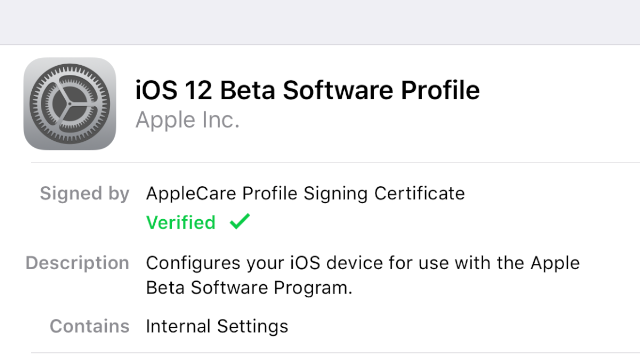
Step 1: “Settings” → “Basic” → “Profile” and click on the Profile iOS Software Beta.
Step
2: Click “Delete profile” and in the appeared window enter your
password to confirm the action. Your iPhone or iPad will restart.
Step 3: Now go to “Settings” → “Main” → “Software Updates”.


0 Comments
Share your thoughts with other AppleBlog readers.